Chess is the classic strategy game for two: sixteen pieces each, an 8×8 board and one goal, trapping the other king. Here you can play 2 player chess offline with a friend on one phone, tablet or computer, or play chess vs the computer at three levels. A casual game takes 10 to 60 minutes. It is free, there is nothing to install or sign up for, and once the page has loaded it keeps working without an internet connection.
How to play Chess
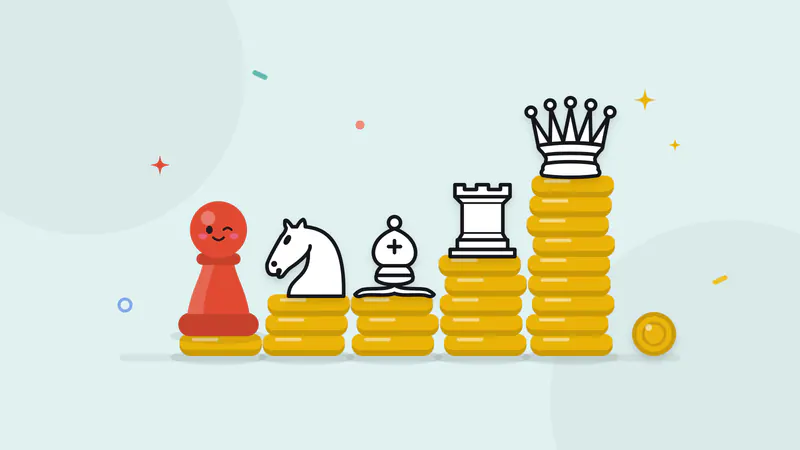
- White moves first, then players take turns moving one piece. Every piece type moves in its own way: the rook in straight lines, the bishop diagonally, the queen both ways, the knight in an L-shape that jumps over pieces, the king one square at a time.
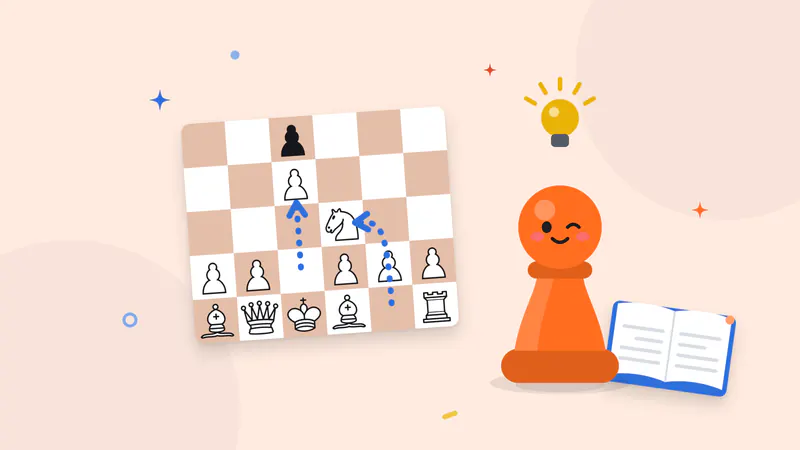
- Pawns move straight forward one square, or two on their first move, and capture one square diagonally forward. A pawn that reaches the last rank is promoted: you choose a queen, rook, bishop or knight.
- You capture by moving onto an enemy piece. You may never make a move that leaves your own king attacked.
- Check means the king is attacked. Checkmate, a check that can’t be escaped, blocked or captured, wins the game.
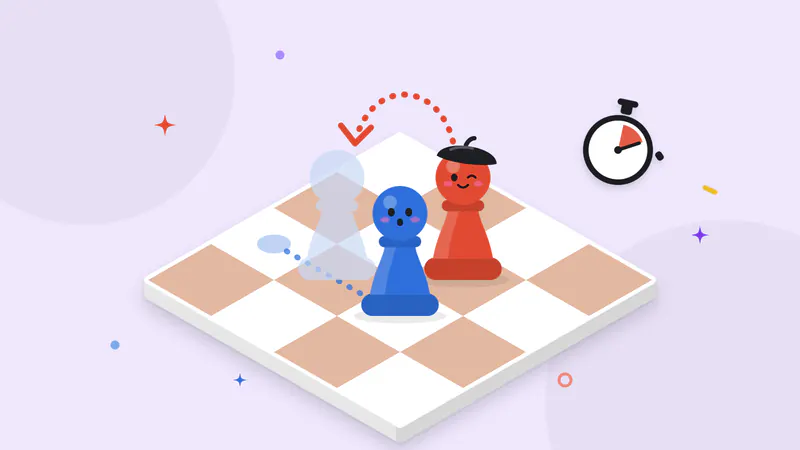
- Two special moves: castling (king two squares toward a rook, rook jumps over) and en passant (capturing a pawn that has just moved two squares past yours).
- The game is a draw by stalemate, agreement, threefold repetition, the 50-move rule, or when neither side has enough pieces left to checkmate.
Every one of these rules, with examples, is explained in the complete chess rules guide.
Play chess with a friend on one device
This board is built for sharing a single screen. Type both names, and if you like, flip who plays White in the next game with Rematch, which swaps the colors and keeps a running score.
- Play styles: Passing device (the default) turns the board toward the player whose turn it is. Face to face is for a phone or tablet lying flat between two players: Player 1 sits at the bottom and the other side’s pieces and name are turned to face the far player. Fixed never turns the board, and a Flip button turns it whenever you want.
- Pass screen (optional): a “Pass to Leo” screen between turns, so the next player knows it is their move. The clock is paused while it shows.
- Clear moves: tap a piece to see where it can go (dots for moves, rings for captures), then tap the target square, or drag the piece. Tap the same piece again to put it down. The last move and a king in check are highlighted.
- Promotion picker: when a pawn reaches the last rank you pick the new piece. Change your mind and the pawn goes back.
- Move list and material: the moves are listed in standard notation (on phones, a line under the board, and Show all moves in the More menu opens the full list), and each player sees the pieces they have captured plus the material lead, such as +3.
- Resign or offer a draw at any time. A draw offer asks the other player to accept or decline on the same screen.
- Undo and auto-save: Undo takes back a move, and the game is saved after every move, so closing the tab or refreshing never loses it. A finished game stays finished.
- Optional clock: None, 3+2, 5+0, 10+0 or 15+10 (minutes each, plus seconds added per move).
You can also play with a keyboard: the arrow keys move around the board and Enter or Space picks up and places a piece.
Play chess against the computer
No one to play with? Choose vs Computer, then play White, Black or a random color.
- Easy is meant for learning. It thinks only briefly and now and then plays a random move, so it hangs pieces and misses threats.
- Medium plays reasonable, steady chess and punishes obvious blunders, but a careful player can beat it.
- Hard is the open-source Stockfish engine at full strength, thinking about a second per move. Expect to lose, and learn from how it wins.
The computer runs entirely on your device. Its engine is downloaded in the background while you are on this page, so after that it works offline too. If the engine can’t load, a smaller built-in opponent plays instead and the game tells you so. Undo works against the computer as well: it takes you back to your own previous move, which makes it easy to try a different idea.
Quick tips
- Fight for the center in the first moves with your e- and d-pawns, then bring out your knights and bishops before moving the queen.
- Castle early to tuck your king away and connect your rooks.
- Check every move for threats: what does the last move attack, and can you capture something for free?
Ready for a plan you can follow? The beginner chess tutorial walks through a first game move by move, the opening principles, three basic checkmates and common beginner mistakes.